Georeferenced Hunting Map for Minnesota Valley National Wildlife Refuge (2024)
by Fish & Wildlife Service Refuge Maps (public domain) · Minnesota Valley National Wildlife Refuge, US
A free GeoPDF for offline GPS in the Cartahaven app, with free updates. How it works offline
Older edition. This is the 2024 edition from the U.S. Fish and Wildlife Service. A newer one may have been published since; check the agency's page for current rules and routes before relying on it.

What you get
- Your GPS position on the map. A blue dot on this official sheet shows where you are.
- Works with no signal. Download it once; the map and your GPS position keep working with no cell signal.
- Tracks, placemarks and photos. Record where you go, drop pins, and export GPX, KML or GeoJSON.
- Free updates. When a new edition is published here, it’s yours at no cost.
- 1Tap “Get this map”: it’s added to your free account.
- 2Open the Cartahaven app on your phone and sign in.
- 3Tap “My purchases” (“Get my maps” before you sign in). It’s on your phone, ready offline.
The app runs on iPhone, Android and in desktop browsers. Install it · How offline GPS works
Where this map covers
Maps nearby
More maps around here ›
Shakopee, MN — USGS 7.5-minute topo (2022)
USGS Topo Maps (public domain) · Minnesota
Public domain
IFR Enroute Low Altitude Chart L-14 (U.S.) — FAA, 2026-10-29
FAA IFR Enroute Charts (public domain)
Public domain

IFR Enroute Low Altitude Chart L-12 (U.S.) — FAA, 2026-10-29
FAA IFR Enroute Charts (public domain)
Public domain

IFR Enroute High Altitude Chart H-02 (U.S.) — FAA, 2026-10-29
FAA IFR Enroute Charts (public domain)
Public domain
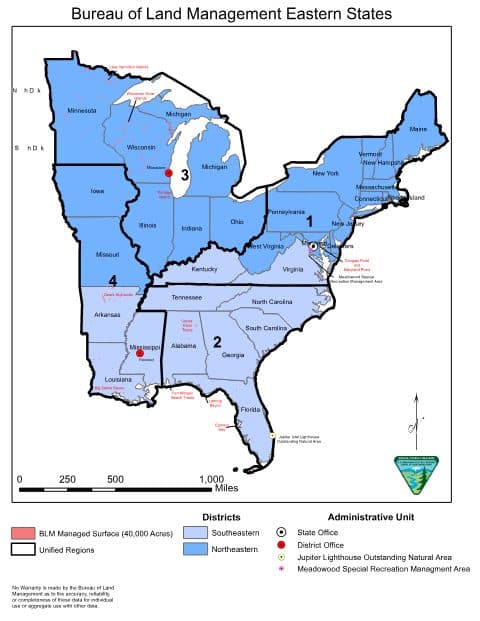
Bureau of Land Management Eastern States Overview map — BLM Eastern States (2019)
BLM Recreation Maps (public domain) · Eastern States
Public domain

Jordan East, MN — USGS 7.5-minute topo (2022)
USGS Topo Maps (public domain) · Minnesota
Public domain
Version history
Version 1 · Nov 2, 2026 · 3.8 MB